Practical AI image editing articles
Choose an editing method, diagnose common problems and check results. These articles complement the step-by-step tool guides.
Go beyond the basic steps
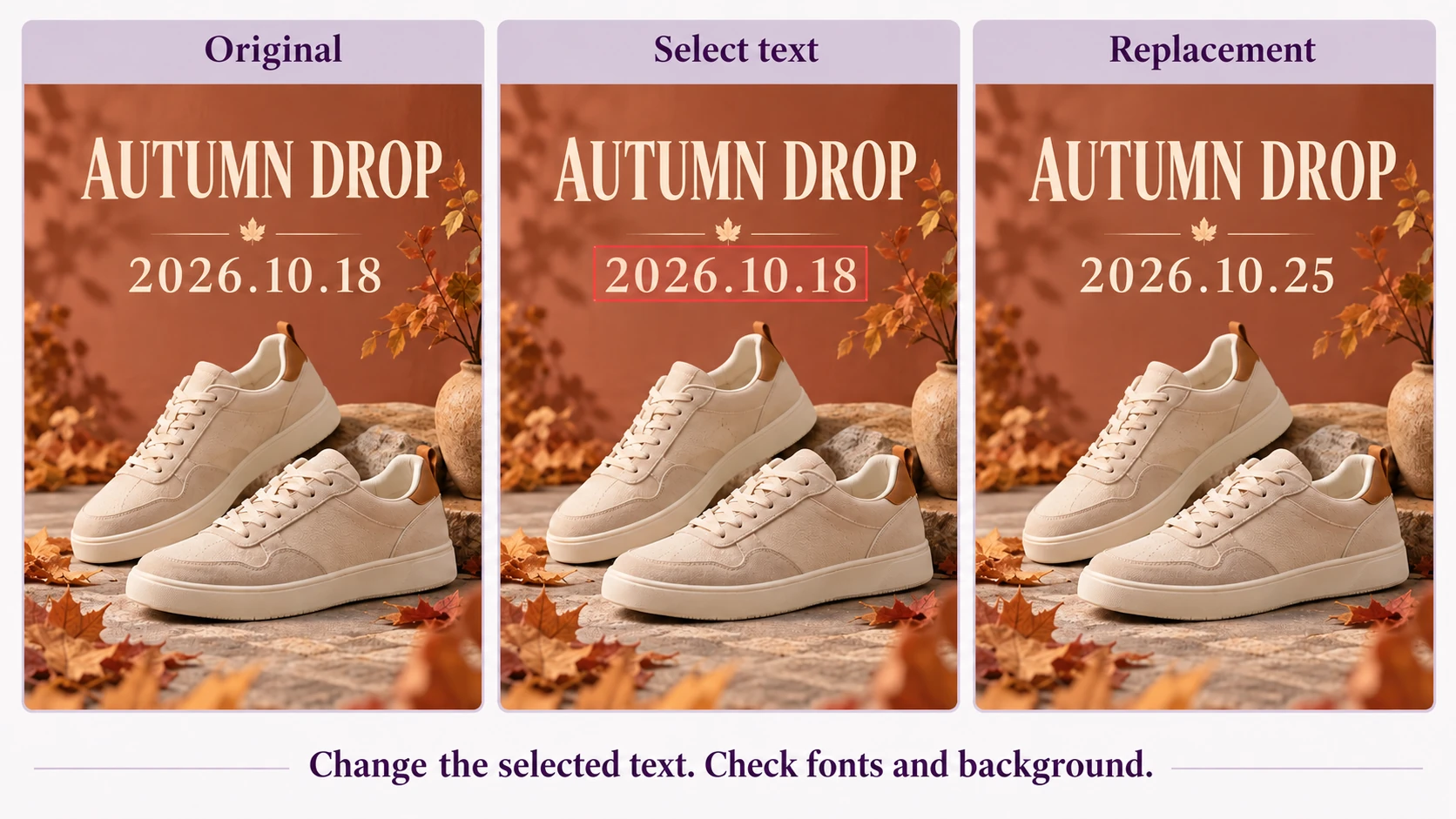
How to Edit Text in Images: AI Replacement or Layer Editing?
Choose between AI text replacement, editable text layers and manual retouching. Follow a poster-date example and learn how fonts, backgrounds, text length and device choice affect the workflow.
Read article ↗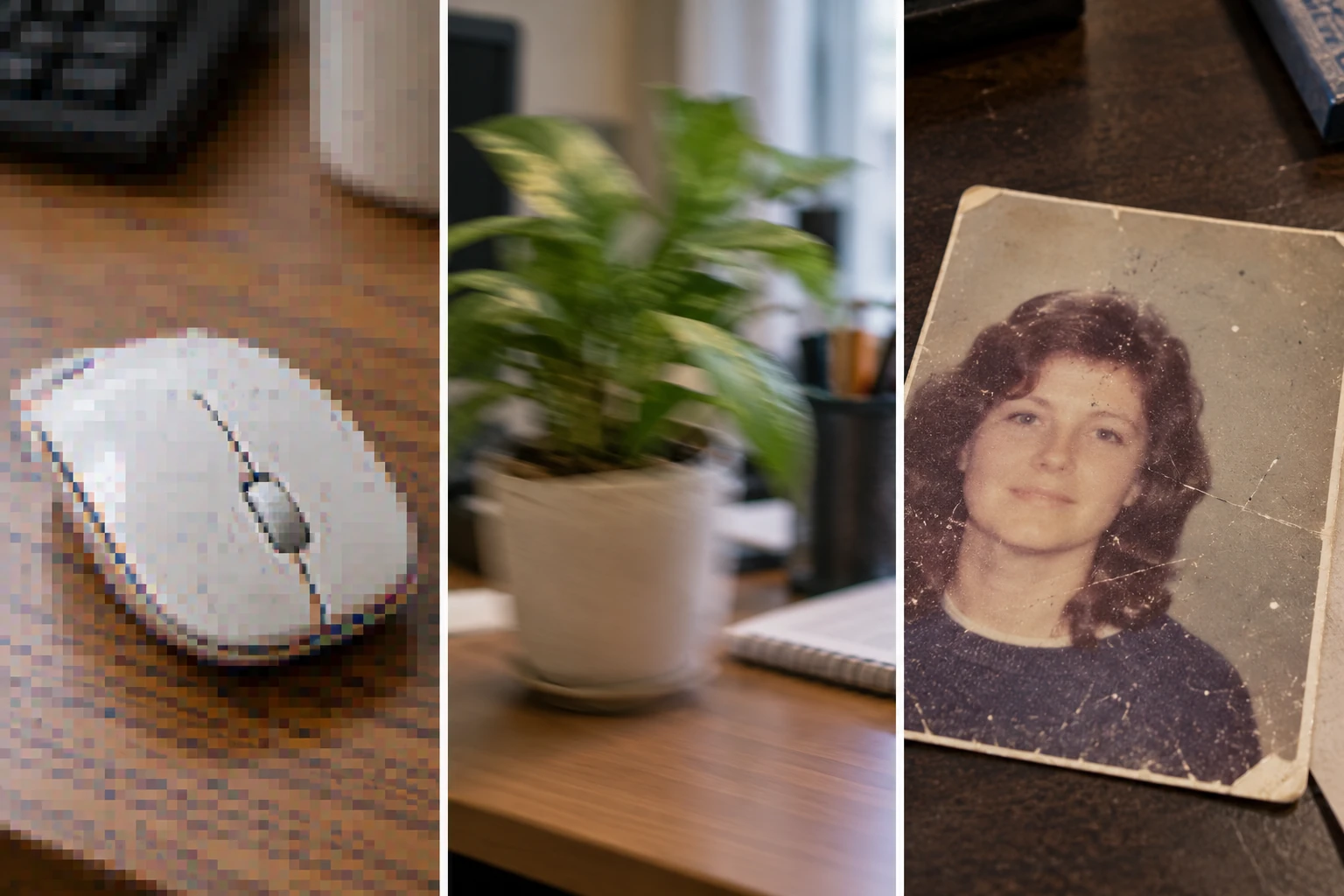
Does Photo Enhancement Help? Review Compression, Blur and Old Photos
Bigger images are not necessarily clearer. Identify compression artifacts, camera blur and old-photo damage, then use practical prompts and before-and-after checks without treating generated detail as verified recovery.
Read article ↗
AI Object Removal Left a Trace? Check Edges, Shadows and Backgrounds
Troubleshoot leftover shadows, cable fragments and repeated texture after object removal. Use a desk-cable example to plan selections, describe the background and review local edits.
Read article ↗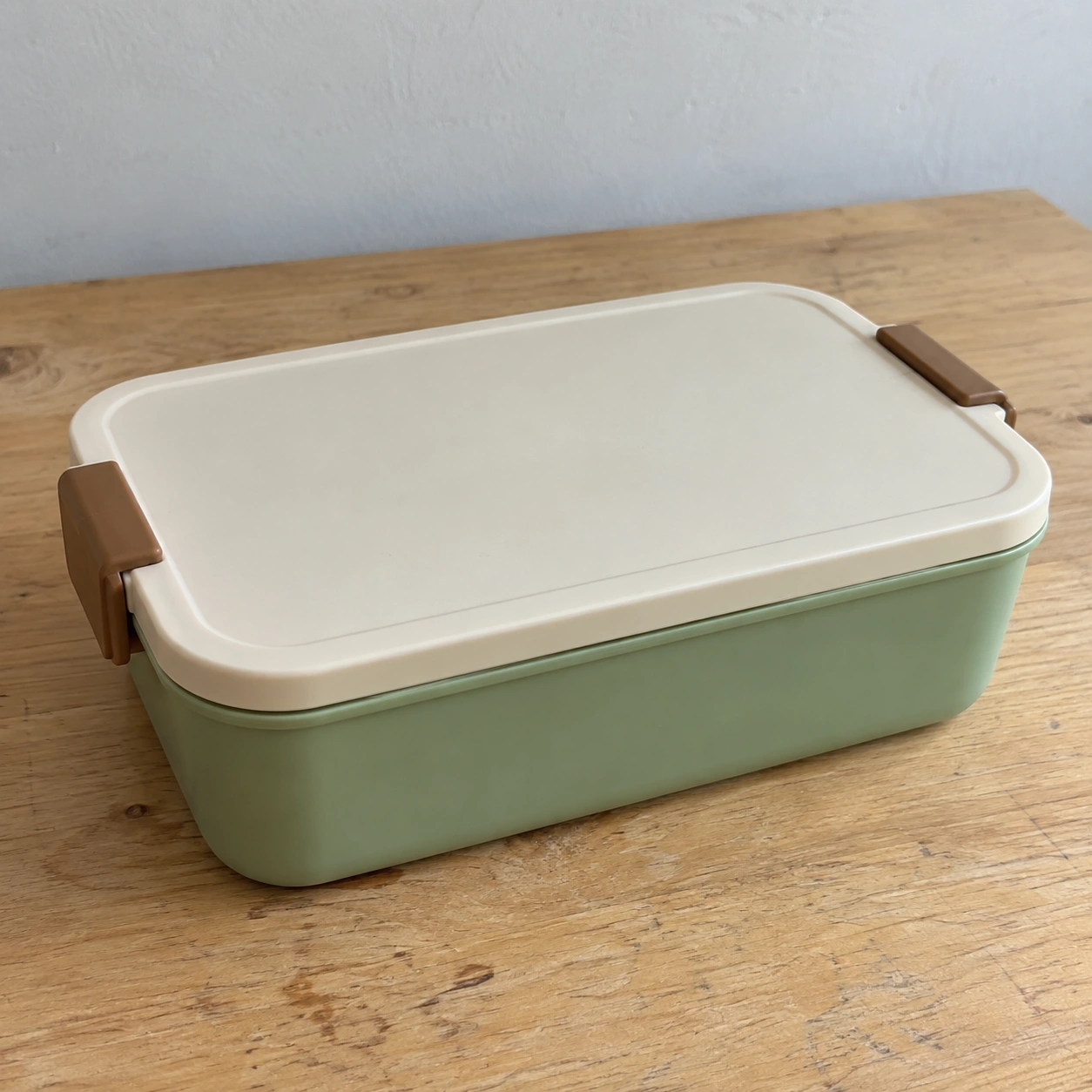
AI Product Images or Background Removal? Choose the Right Workflow
Does your product photo need a cleaner background or an entire listing image set? Use a lunch-box source to compare cutout and AI generation, with checks for structure, white backgrounds, lifestyle imagery and publication.
Read article ↗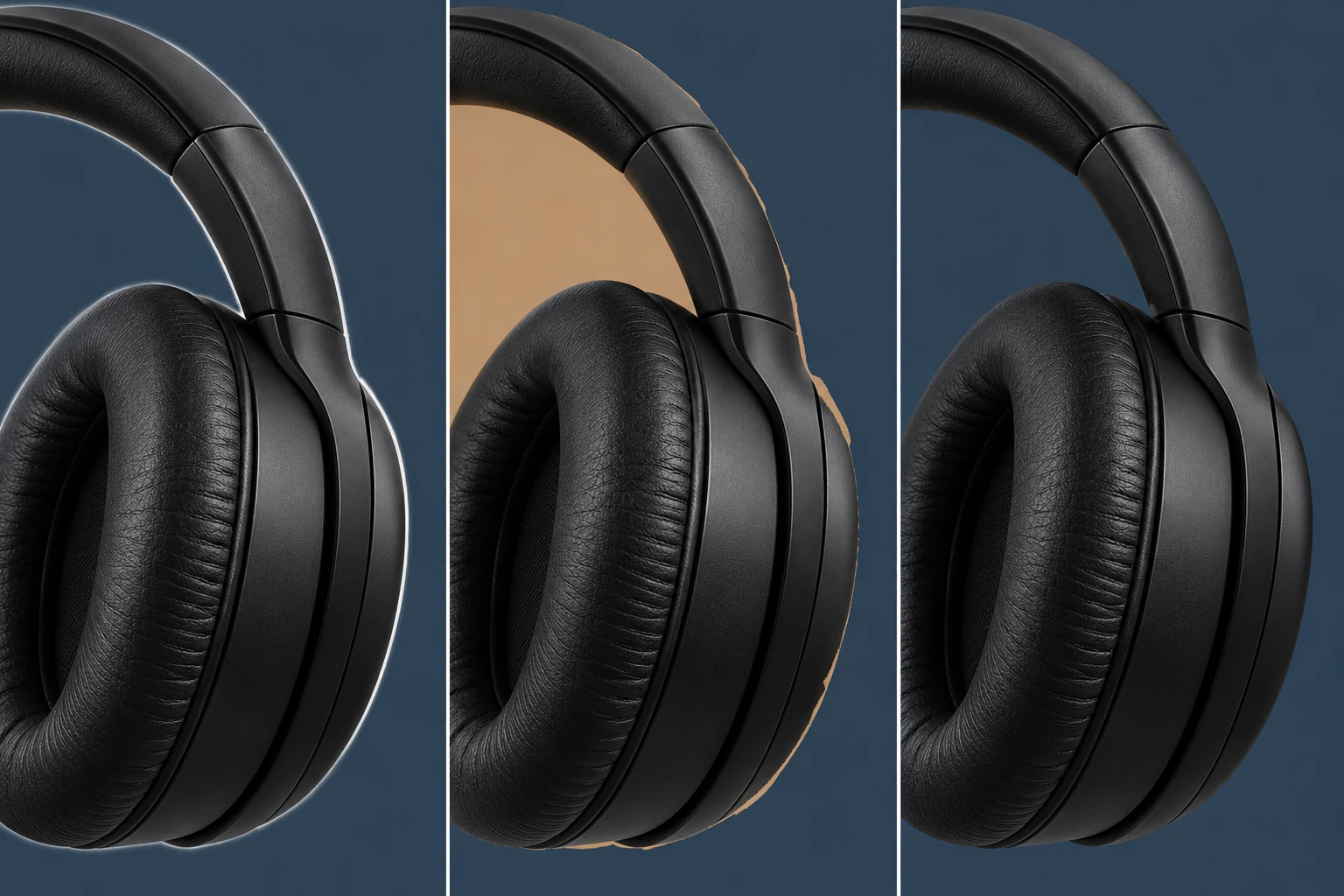
White Edges After Background Removal? Fix Halos and Leftover Background
Troubleshoot white halos, leftover background and PNGs that appear white. Follow a headphone example, free background-removal steps and practical edge checks.
Read article ↗