How is this different from a screenshot or camera translator?
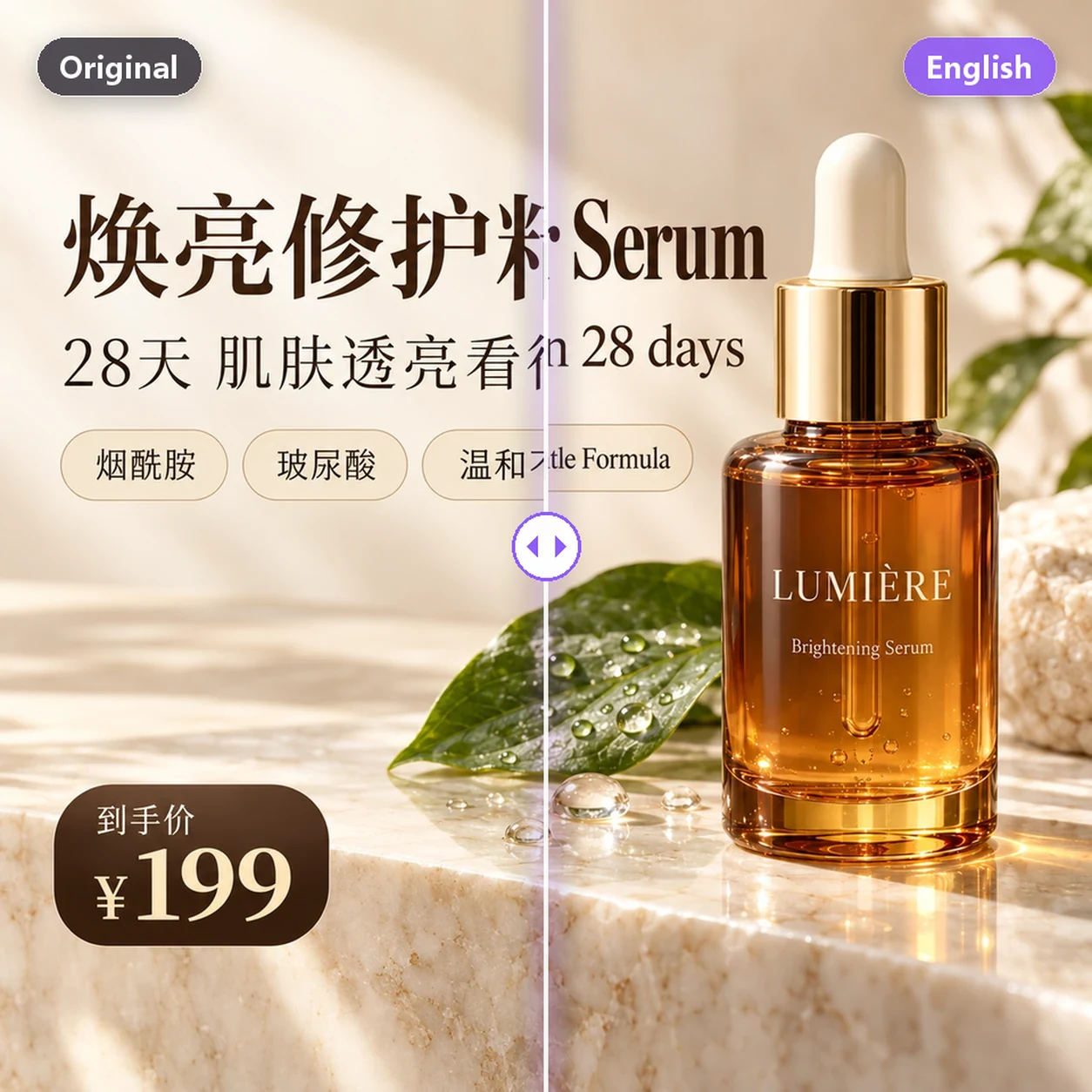
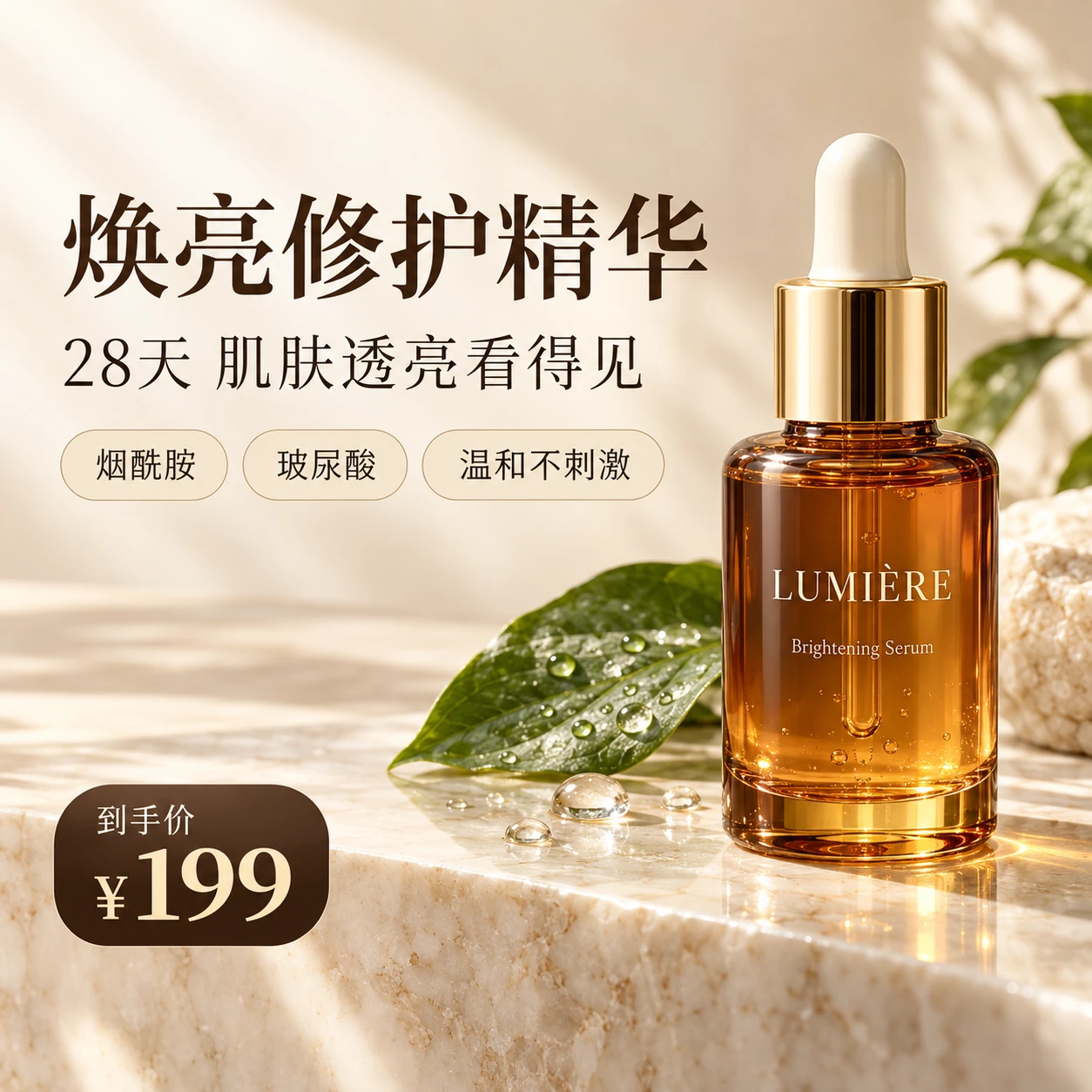
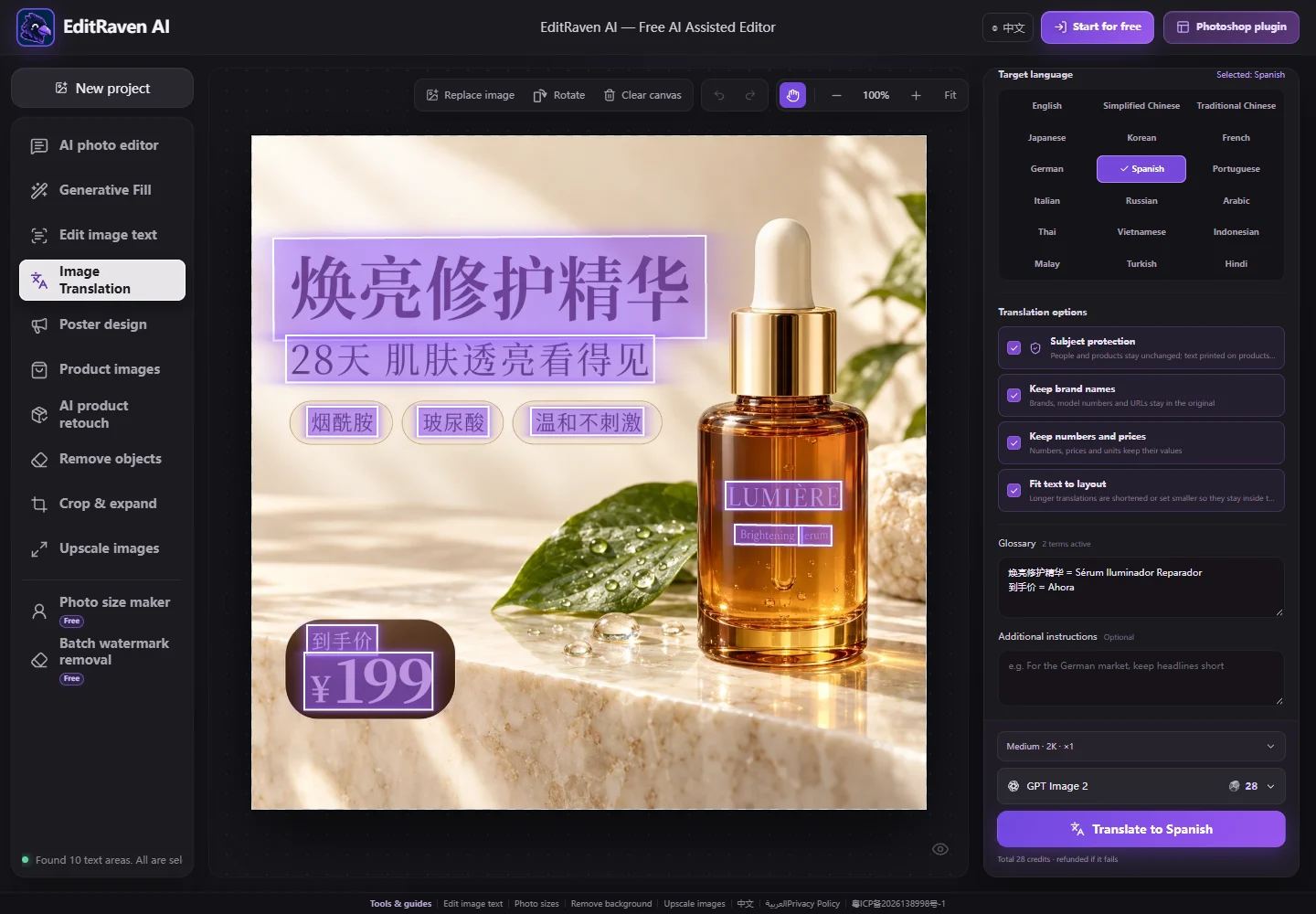
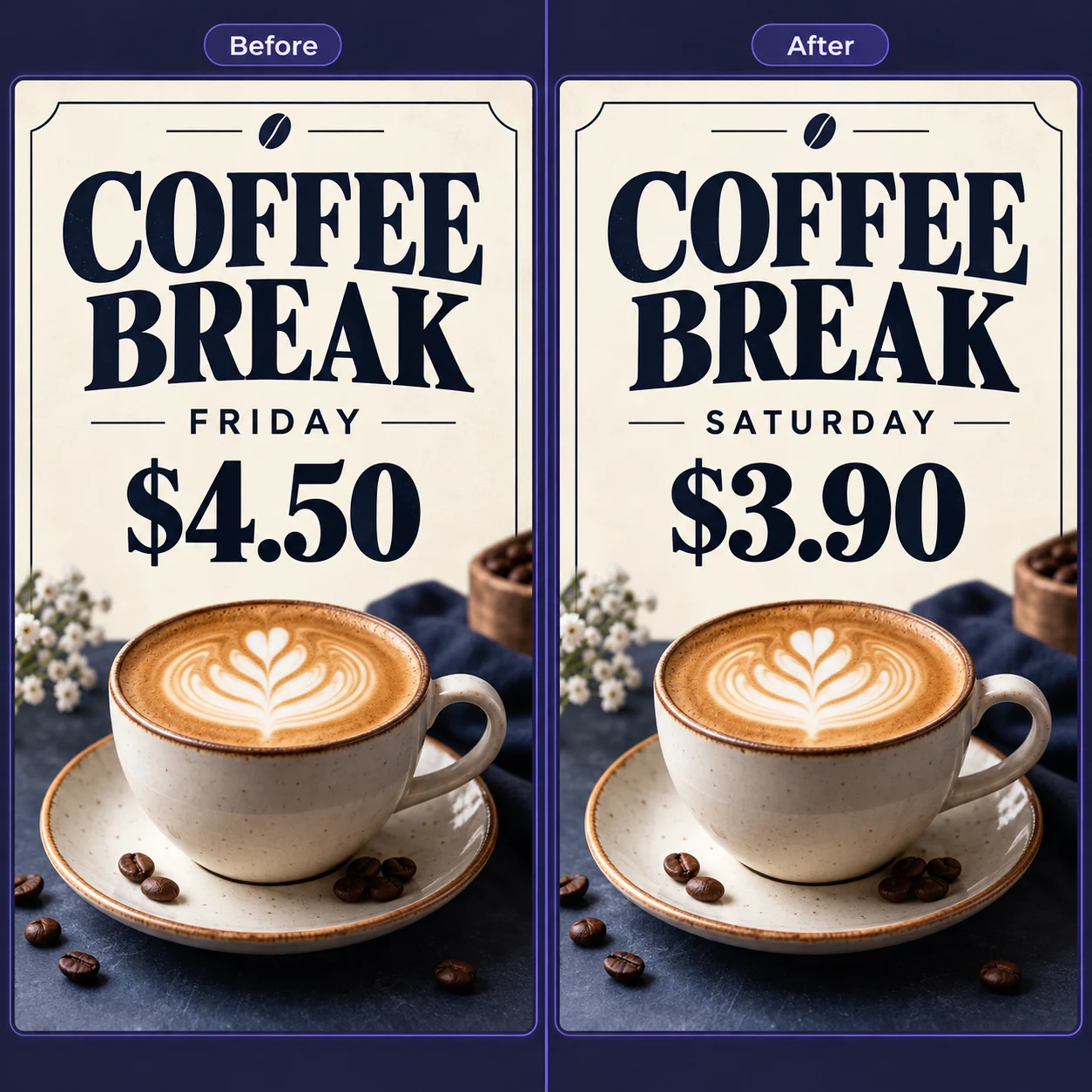
Screenshot and camera translators read the text and give you a translation while the image stays the same, which is great for quickly understanding it. Image Translation removes the original text and writes the translation in its place, producing a new image you can publish, ideal for multilingual product images, posters and menus.
Which languages are supported?
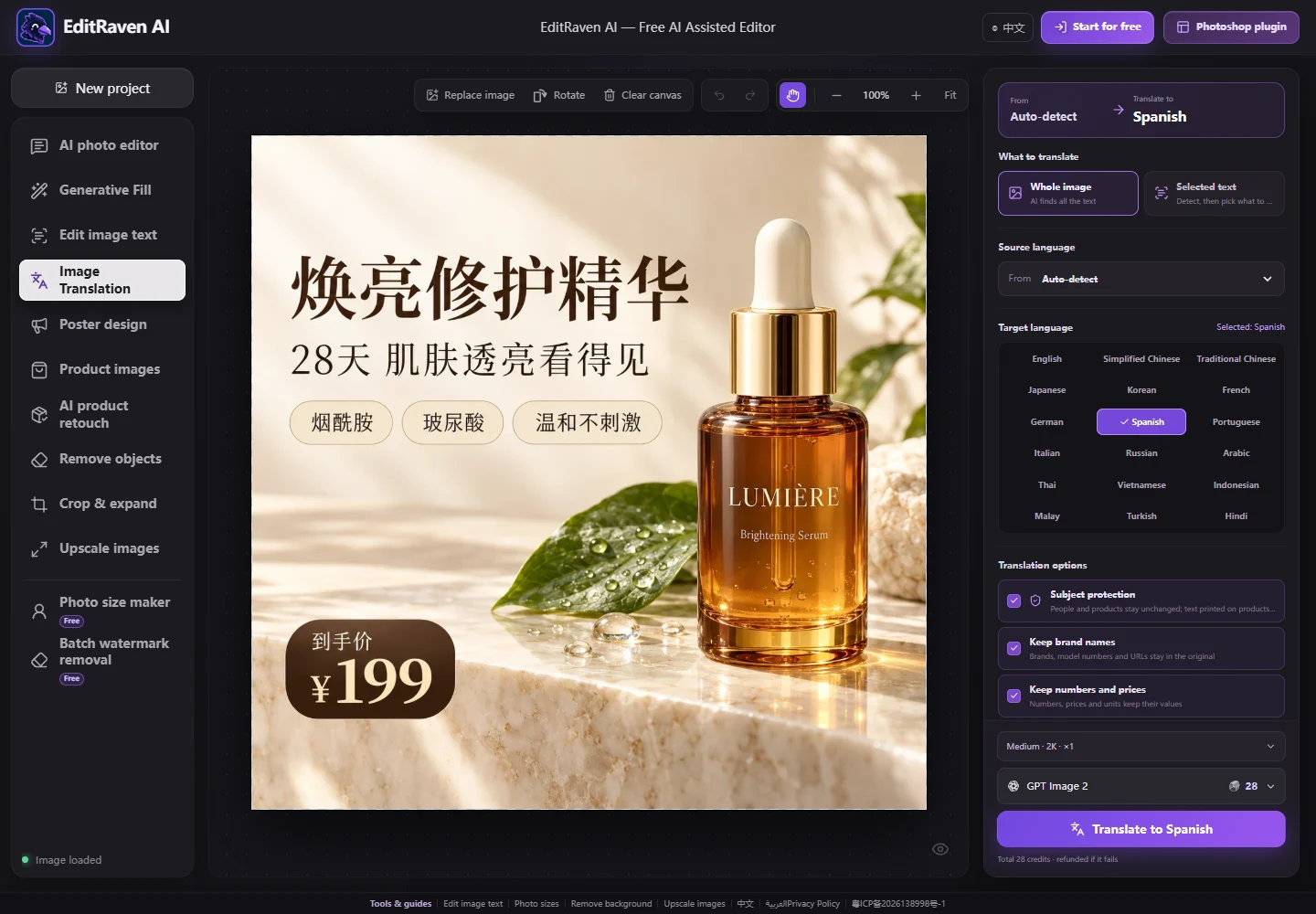
You can translate into 18 languages: English, Simplified Chinese, Traditional Chinese, Japanese, Korean, French, German, Spanish, Portuguese, Italian, Russian, Arabic, Thai, Vietnamese, Indonesian, Malay, Turkish and Hindi. The source language can be detected automatically or set manually.
Does it keep the original fonts and layout?
AI matches each piece of text's font style, size hierarchy, color, outline, shadow and alignment. With Fit text to layout on, longer translations are tightened or set smaller so they stay inside the original area. If the target language has no matching font, a similar style is used.
Are packaging text and brand names translated?
Not by default. Subject protection and Keep brand names are on: people and products stay unchanged, and text printed on products, packaging and labels, plus brand names, model numbers and URLs, stays in the original. Only headlines, features, buttons and captions are translated. Turn off Subject protection if you want packaging text translated too.
Can I translate only some of the text?
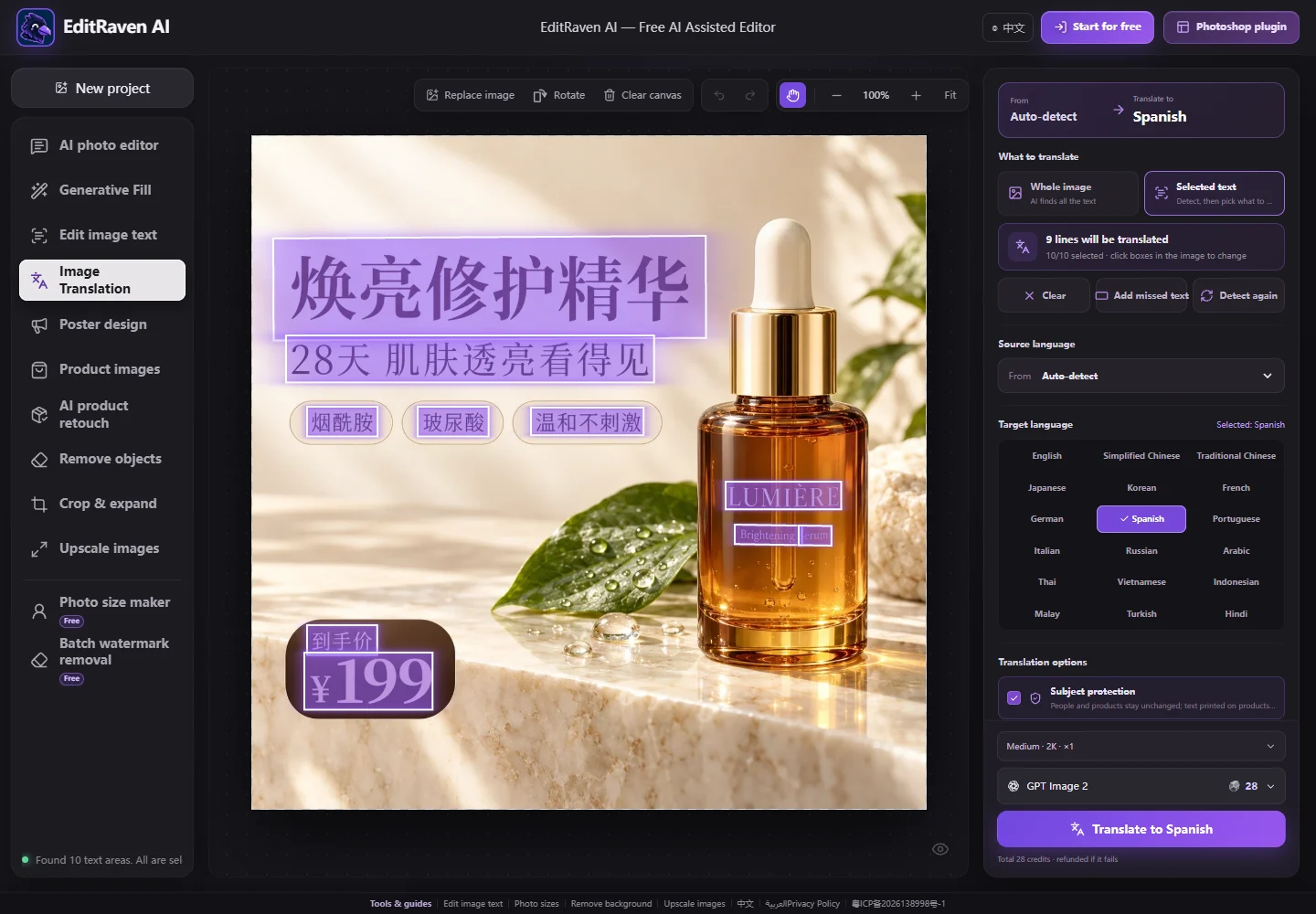
Yes. Switch What to translate to Selected text. The text in the image is detected and selected; click a box to deselect or reselect it, and use Add missed text to draw around anything that was missed. Only the selected text is translated.
Will prices, numbers and fixed terms stay accurate?
With Keep numbers and prices on, numbers, prices, currency symbols, dates and units keep their values. For taglines or product names that need a set translation, add one “original = translation” line per term to the glossary and AI will follow it. Still proofread the result.
Is Image Translation free? Does it work on phones?
It works in any phone or desktop browser with nothing to install. Translations are generated by AI and use credits based on the model and resolution you choose, and signing in each day gives you free credits. The exact cost is shown before you translate, and failed tasks are refunded automatically.